
Digital menu boards are only useful if they have a clean and well-designed layout. If designed properly digital menu boards can improve your customers experience while helping you sell more food.
From proper images to an organized digital menu design, it is important that you take the time needed to create your digital menu. Here’s a couple of items that you should keep in mind when designing your digital menu board:
- Use HD images that are taken with a digital camera or 7+ cellphone
- Add some form of motion, short clips of food items being served or made
- Use adequate spacing between menu items, descriptions, images, and pricing
- Excellent menu category breakdown
- Make sure the layout is adjusted correctly
Let’s now take a look at digital menu board layout option that are effective and visually appealing:
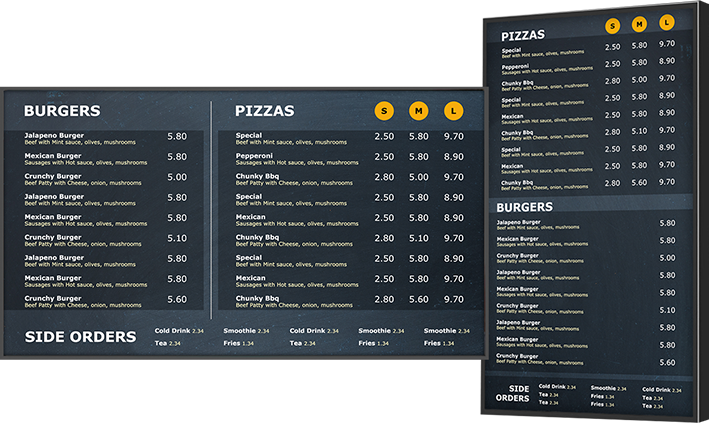

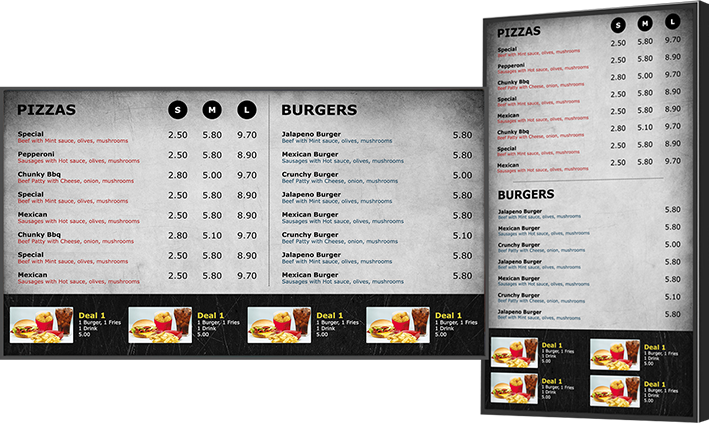
Chalkboard Style Digital Menu Boards
- Clean, modern look
- Menu items are organized into categories
- Several sections for rotating food images can be added
- This design works well w/menus that contain lots of items w/minimal images
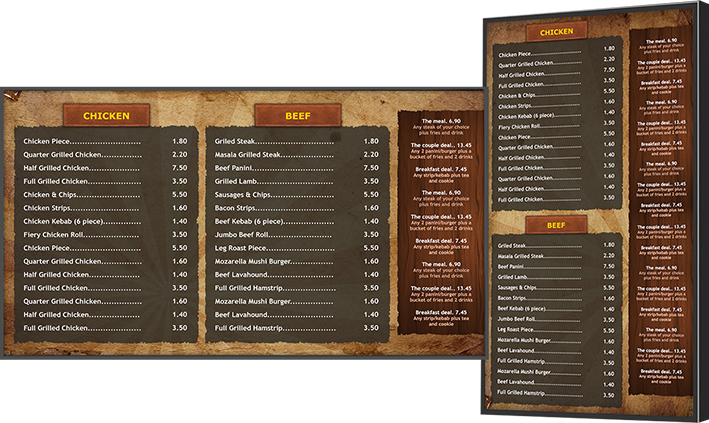
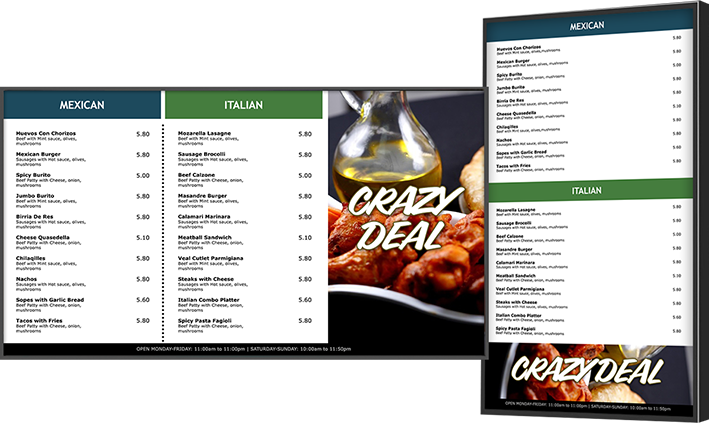
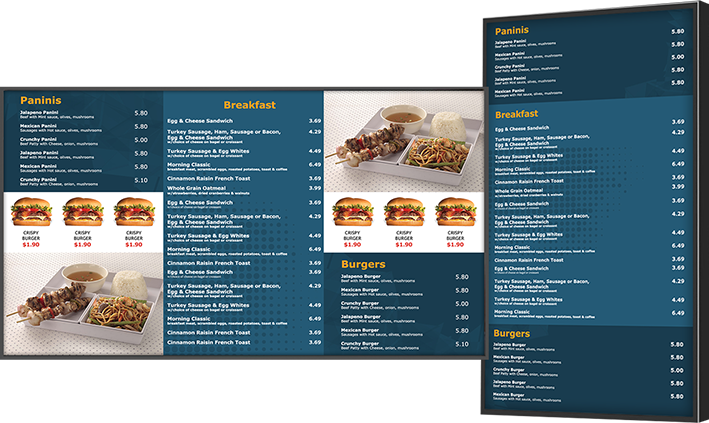
Color Combination Digital Menu Boards
- Organize the menu categories by color-coded sections
- Add rotating food image slideshows
- This style is highly visible and easy to read
- This look is smooth on the eyes and highly visible
- Ideal for menus with many categories of food
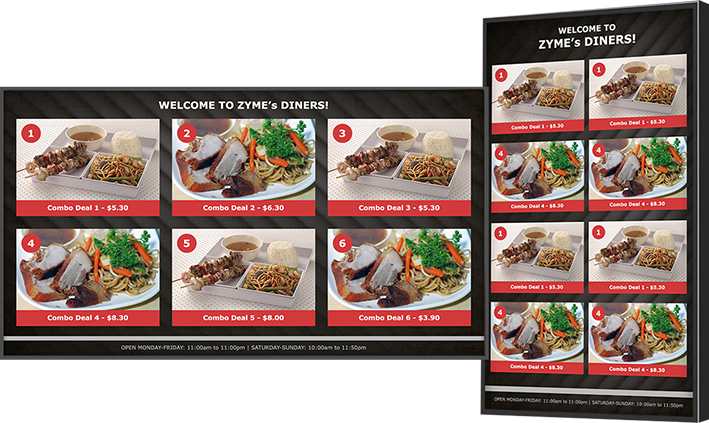
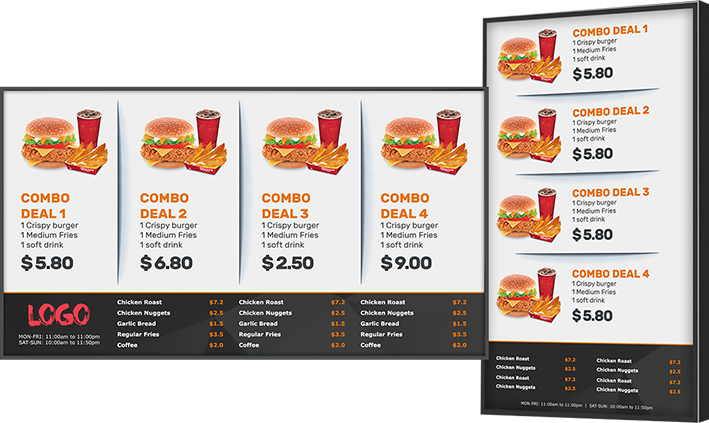
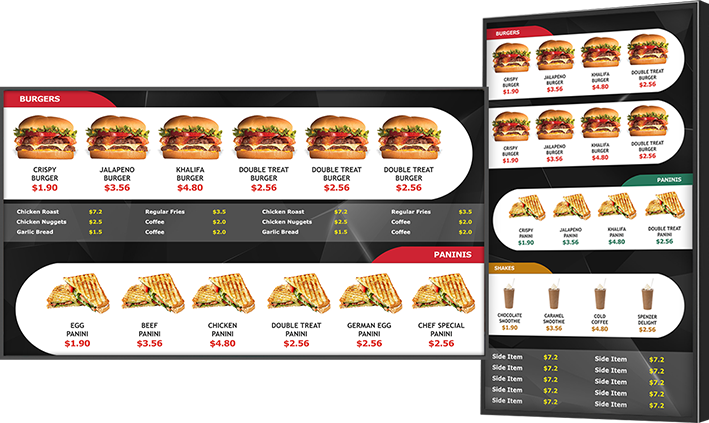
Quick Service Digital Menu Boards
- Ideal for menus that consist primarily of food combinations/platters
- This style is for smaller menus with fewer items work well for this style
- Use HD food images with white background must be provided by client

About The Author: Chad
More posts by Chad