There are several reasons why you’re not able to login with your username to your account.
Unable to Login to Your Account after Password Reset
Troubleshooting Login Problems
- You forgot your new password.
- You mistyped your new password (pay attention to lowercase letters and uppercase letters: there is a difference).
- Your user is disabled (expired license, violating policy, etc.).
- SSO problem (assuming you’re using SSO – like Single-Sign-On with your Gmail mailbox/account).
- Subdomain problem (assuming you’re an partner user within a partner’s subdomain).
- The whole subdomain is disabled (assuming you’re a partner or a partner’s user).
Solutions to Try
Probably you’re logged out of your user account.
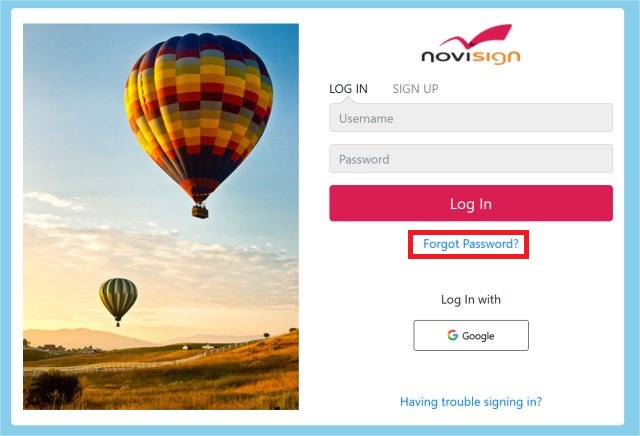
Go to the login page of the Studio CMS (this URL in most cases: https://app.novisign.com) and click the “Forgot Password?” link to generate a new password.
This is a self help tool.
However, if that didn’t help, please contact NoviSign’s support team (support@novisign.com) and we’ll fix it for you