
Background
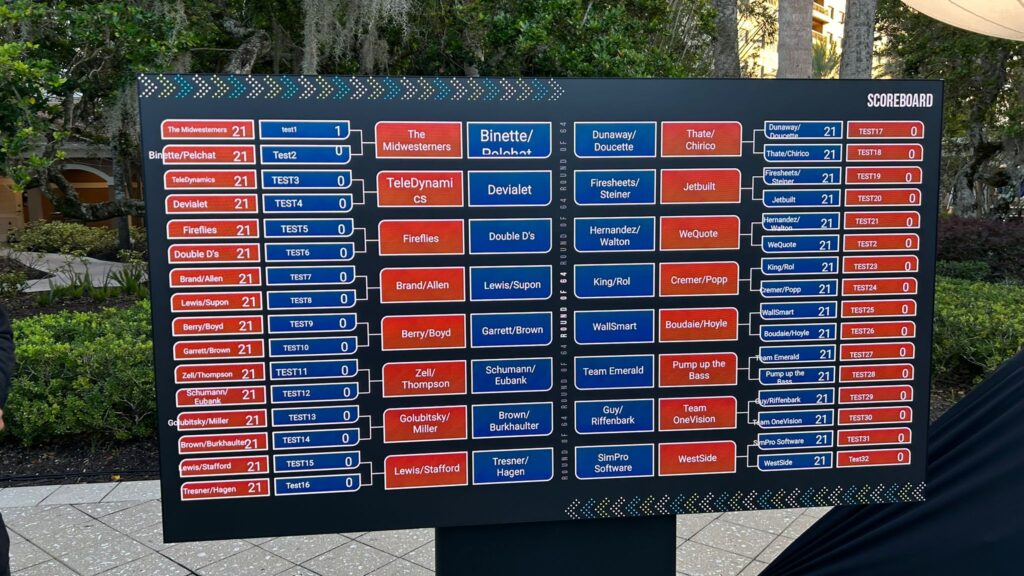
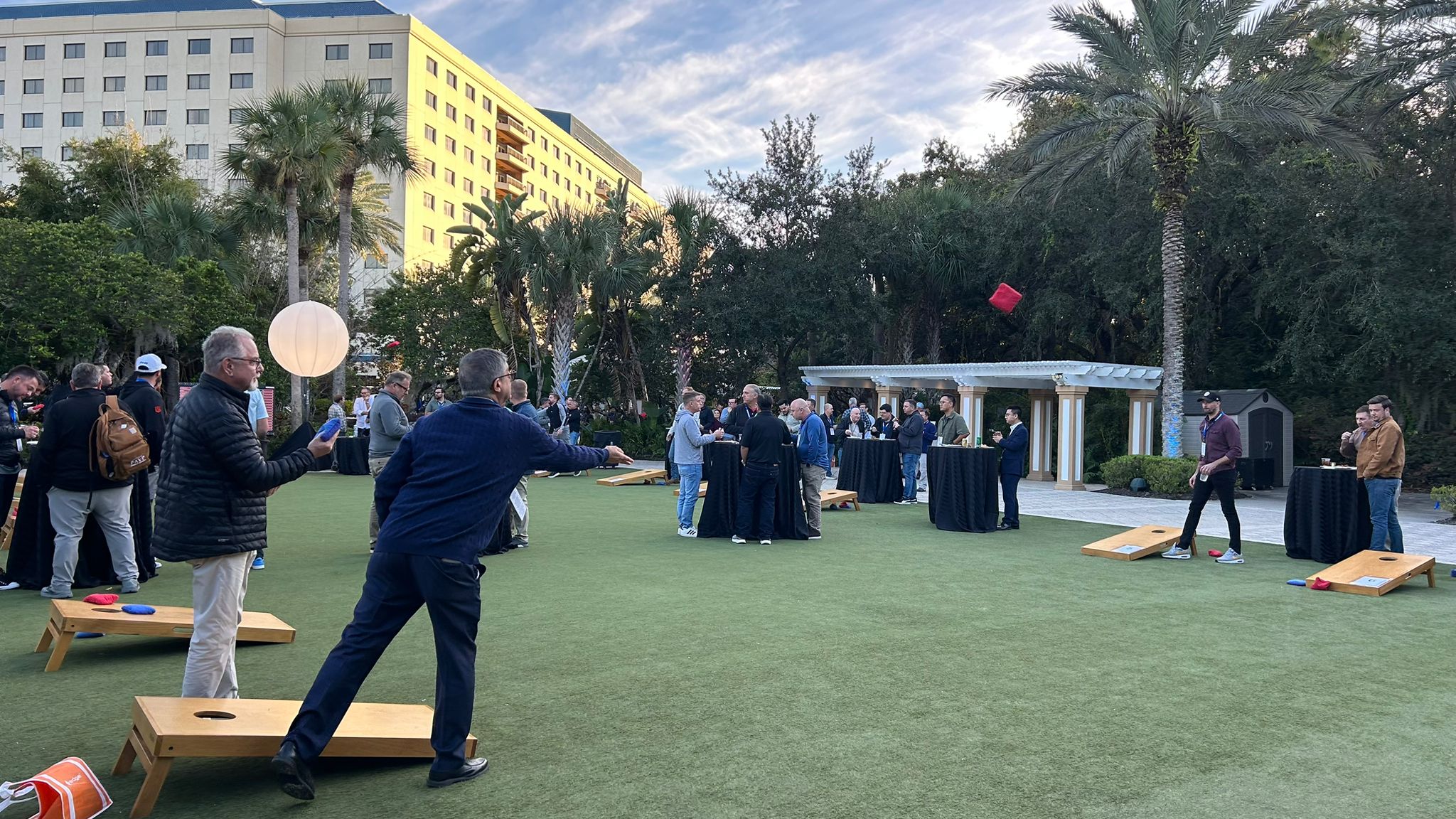
For the Total Tech Summit event, NoviSign was asked to create a live-updating, easy-to-use digital scoreboard to track scores for a cornhole tournament hosted during the exhibition. Because the onsite staff would be updating the scores themselves, the solution needed to be extremely simple, reliable, and impossible to break, even for users unfamiliar with digital signage.
NoviSign delivered a turnkey scoreboard system powered by Google Sheets automation and dynamic NoviSign templates, providing event organizers with a smooth, professional, and hands-off experience.
Objectives
- Provide a real-time scoreboard for a cornhole tournament.
- Ensure the system was easy for on-site staff to update.
- Automate bracket advancement as teams progress.
- Display clean visuals on screens at the NoviSign booth.
- Eliminate the need for any technical troubleshooting during the event.
Solution
1. Automated Google Sheets Tournament Engine
The sheet drove the entire tournament structure—Round of 64, Round of 32, Sweet 16, Quarterfinals, Semifinals, and Finals, without requiring any manual bracket management.
We created a customized Google Sheets template that handled:
- Team name entry (only needed once).
- Score entry each round (staff simply typed the scores).
- Automatic advancement to the next bracket using formulas we built.
- Win logic based on cornhole rules:
- First team to reach 21 points,
- With a 2-point clear margin,
- Automatically marked as the winner.
2. Round-Based NoviSign Templates
NoviSign’s creative team designed a clean set of scoreboard templates, one for each tournament round.
In the CMS, we mapped each template to the relevant Google Sheet cells.
As soon as a round ended, the organizer simply switched the playlist to the next round’s template, and all team names and scores automatically populated from the sheet.
3. Dynamic Data Integration Using Label Widgets
Using the label widget, the integration was set up.
- Label widgets were used to pull team names and scores directly from the Google Sheet.
- Each “game box” displayed:
- Team A name
- Team B name
- Their scores
- The winner (auto-populated based on the formula)
This eliminated any chance of human error in selecting winners.

Cornhole Tournament Scoreboard designed by NoviSign
4. CMS Setup and Testing
After the template and integration were completed, a final test was run before final deployment.
- Connected NoviSign to the Google Sheet.
- Mapped all data fields for each match.
- Stress-tested every round to ensure formulas and data feeds worked flawlessly.
- Delivered a fully prepared playlist to the client, ready to run.
5. Onsite Usability
The system was intentionally designed to be foolproof
- Staff only needed to update numbers in the Google Sheet.
- No one had to touch the CMS after the initial handoff.
- Because the templates were synced live, the screens updated instantly.
- Training took only a few minutes, and the client quickly felt comfortable managing everything themselves.
Outcome
The cornhole scoreboard system worked exactly as intended:
- Easy for the event team to operate
- Automated bracket progression
- Professional-looking, branded displays
- Zero technical failures or debugging required