Sign up for a free evaluation account
Text Download ➞
Title Subtitle Download ➞
Digital signage OS

Download NoviSign Digital Signage Player Software

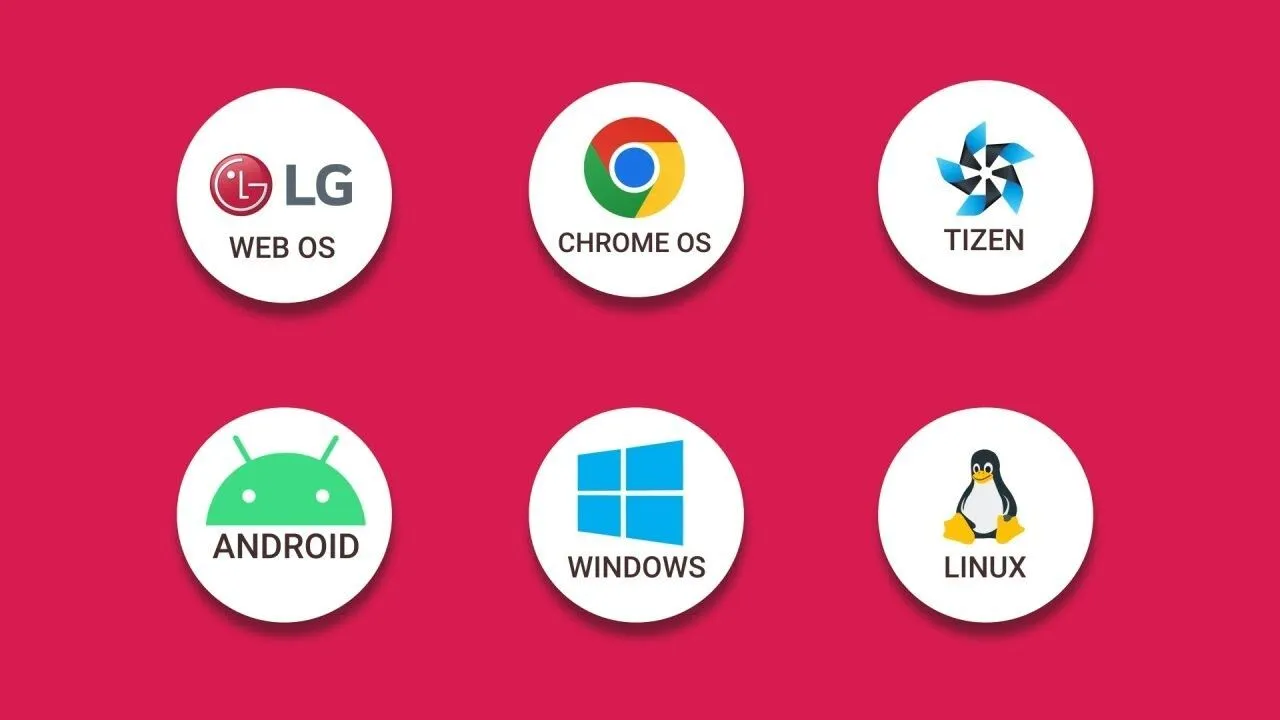
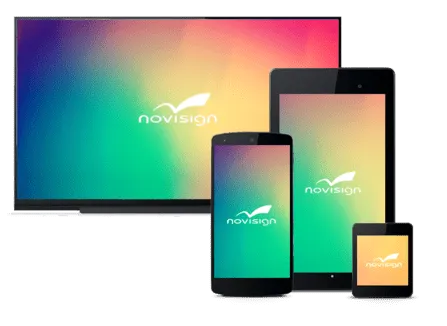
Get started in minutes with NoviSign’s free digital signage player app. Download our cloud-based player software for Windows, Android, or Chrome OS – install on your existing device, connect to any screen, and start broadcasting content remotely from anywhere. No specialized hardware required. Try it free for 30 days.

Start your free 30-day trial

Digital signage customers

What is Digital Signage Player Software?

Digital signage player software is the application that runs on your device (PC, Android box, or Chromebook) to display content on connected screens. Unlike hardware-specific solutions, NoviSign’s player software transforms any compatible device into a digital signage endpoint. The software connects to our cloud platform, downloads your content, caches it locally for offline playback, and renders it on your display – all managed remotely from any location worldwide.


Install the NoviSign Digital Signage Player App

NoviSign’s digital signage player app installs in one click on Windows, Android, and Chrome OS. Choose the version that matches your device, download the free installer, and launch – the app handles the rest.
For hardware recommendations, see our digital signage players and Android digital signage players pages.

Download for Android

Install NoviSign’s Android app from the Google Play Store or download the APK directly. Our Android player software supports devices running Android 5.0+ with 2GB RAM.
Download | Need hardware? See our Android digital signage players guide.

Download for Windows

Download the Windows installer for PC or mini-PC deployments. NoviSign’s Windows player software supports Windows 10 and 11.
Download

Download for Chrome OS

Install the NoviSign app from the Chrome Web Store for Chromebox, Chromebase, or Chromebook devices. Chrome OS provides automatic security updates for low-maintenance deployments.
Download

In one-click, you can easily download our free NoviSign Digital Signage Software app and install it on your preferred operating system. Once installed you can instantly begin sending content to your display!

How to Set Up Your Digital Signage Player App

1. Create a free NoviSign account (30-day trial, no credit card required).
2. Download the digital signage player app for your operating system.
3. Install the app and connect your device to your display via HDMI.
4. Enter the unique Player Key from your NoviSign dashboard.
5. Publish content – updates sync wirelessly within minutes.

Once paired, your player software automatically receives content updates. Manage screens remotely from any browser – whether you’re in (City/Region) or traveling abroad.

This process ends with typing in a “player key” (that is a unique alphanumeric string) on to your media player. This process is one time. Once the “player key” is added you will be able to update content from anywhere at any time remotely. All updates that you make will be wirelessly sent to the display within minutes!
You can download the players using the links below.

Digital signage software player
Android signage player

Windows signage player

Chrome sign

Digital Signage Media Players

Offering a low-cost of entry, our software runs 24/7 on both Android and Chrome OS players.
These players are reliable and approved to run NoviSign’s Digital Signage Software!

Chrome signage player

Chrome Digital Signage

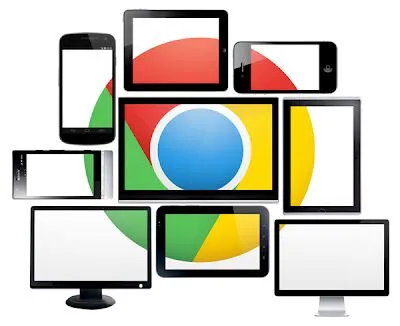
Choose from a wide variety of proven reliable Chrome OS devices for digital signage. NoviSign’s digital signage software will seamlessly broadcast your content in stunning clarity while still maintaining maximum uptime.

Related Links:

Android signage player

Android Digital Signage

NoviSign is a pioneer in Android Digital Signage. Our Android app is one of the most established digital signage apps available on the market today, enabling for superior performance, continuous streaming of content and easy download.

Digital Signage Player Software FAQ

Q1: What’s the difference between digital signage player software and hardware?
A: The software (app) is what you install and run; the hardware (player) is the physical device. NoviSign’s player software works on devices you may already own – Android boxes, Windows PCs, or Chrome devices. You don’t need proprietary hardware to get started.

Q2: Can I run digital signage player software on my existing computer?
A: Yes. NoviSign’s player app runs on any Windows 10/11 PC, Android device (5.0+), or Chrome OS device that meets minimum specs (2-4GB RAM). Many businesses repurpose old computers or use low-cost mini PCs.

Q3: Does the digital signage player app work offline?
A: Yes. The player software caches all content locally. If your internet connection drops, playback continues uninterrupted. When connectivity returns, the app automatically syncs any new content.

Q4: Is the digital signage player software free to download?
A: Yes, the NoviSign player app is free to download. You can test the full platform with a free 30-day trial – no credit card required. After the trial, choose a subscription plan based on the number of screens you manage.

Q5: How do I update the digital signage player software?
A: Updates are automatic. When a new version is available, the app downloads and installs it in the background – no manual intervention required. On Chrome OS, updates are handled by the operating system itself.