Sign up for a free evaluation account
Text Download ➞
Title Subtitle Download ➞

Generate Stunning Signage Images With AI!

Create original, eye-catching images for your screens right inside NoviSign using the built-in AI Image Creator – no stock library or designer needed.

Start Free Trial

No credit card required

ChatGPT Image Jul 12 2026 11 57 47 AM
Upload

Open the AI Image Creator

Find it in the Media Center or Creative Composer

Group 16402

Describe your image

Type a prompt describing the visual you want to generate

Group 16453

Add to your creative

Generate, choose your favorite result and drop it straight into your design
Group 16415 1

How does the AI Image Creator work?

You enter a text prompt describing the image you want, and NoviSign generates original visuals you can add directly to your creative – all without leaving the Studio.

Why use AI-generated images?

It gives you unlimited, on-demand visuals tailored to your message, saving time and removing the need to search stock libraries.

Where is it useful?

Any creative that needs a custom background, illustration or themed graphic can benefit, from promotions to seasonal campaigns.
Why our customers prefers NoviSign

video testimonial preview
University of Florida

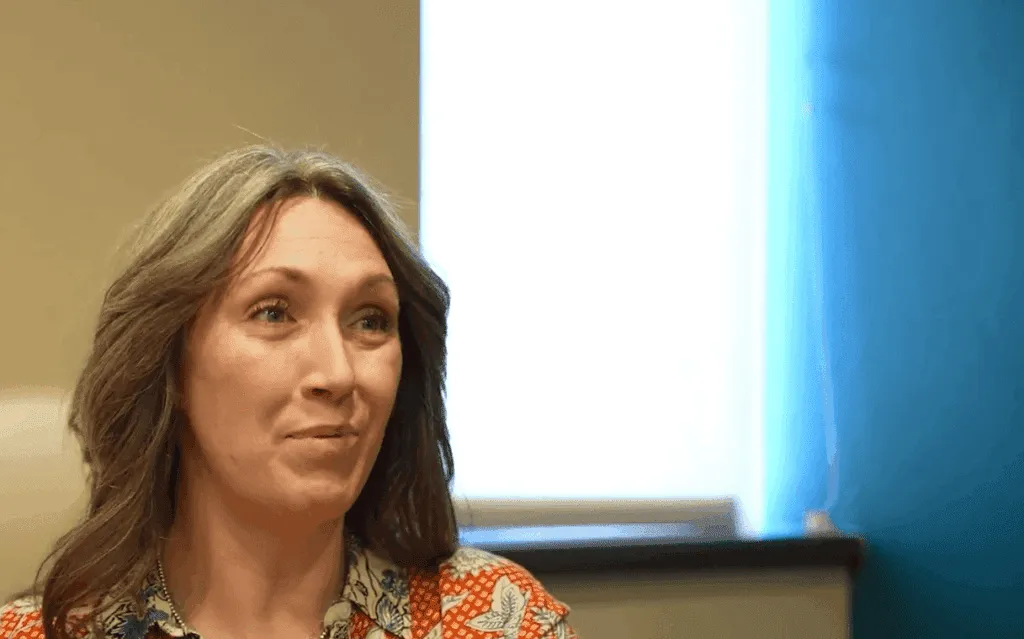
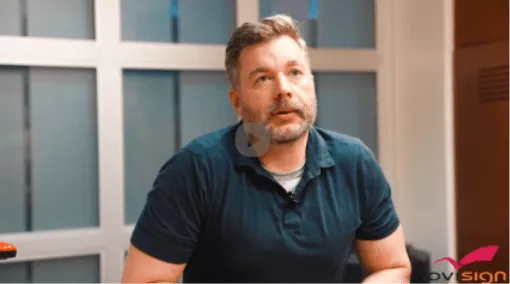
“Our previous CMS was Xibo as well as 15 other flavors across campus and we moved away from that because it was just too complicated. That’s what NoviSign was great at. They’re just very simple and a great intuitive UI”

Chad Holder
IT Manager
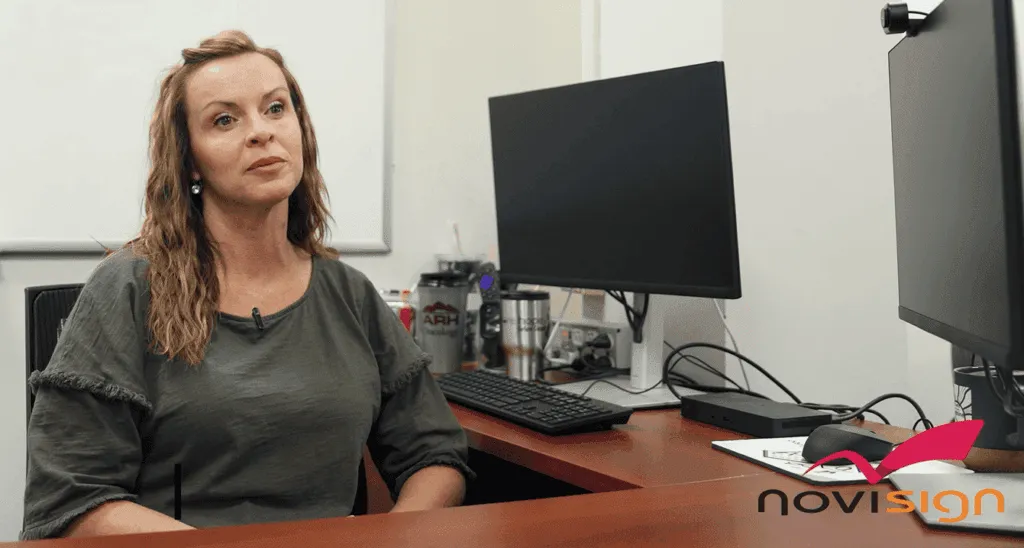
AHR preview 2 1
Appalachian Regional Healthcare

“The biggest improvement we’ve seen using NoviSign is the awareness we’ve created internally within our workforce.”

LeeAnn Mcintyre
Assistant Vice President, Marketing
blake preview 4 1
Blake's Lotaburger

“We were able to give a tutorial style of advertisement by using the NoviSign Board to show how our cold brew is made. We saw a huge uptick in sales. We sold cold brew for almost $1.5 million!”

Tiffany Bornmann
Marketing Manager
MFM preview 3 2 300x231
MFM Health

“I know with NoviSign that the content is playing at all times and it’s easy to update, upload new content on the fly, from wherever I am.”

Diana Giorlando
Director of Marketing

Ready to try it now?

Start Free Trial

No credit card required

Get your free 30-day trial now Start here

FAQ

Do I need design skills to use the AI Image Creator?
No. You simply describe what you want in plain language and the tool generates the image for you.
Can I use the AI generated images commercially on my signage?
Images you generate are intended for use within your NoviSign content; review your plan terms for specifics.
How many AI images can I generate?
You can generate images as you design; usage may depend on your plan.
Can I edit the generated AI image?
You can add the image to a creative and combine it with text, shapes and other widgets.
What makes a good AI prompt?
Clear, descriptive prompts that mention subject, style and mood tend to produce the best results.
NoviSign Digital Signage
Privacy Overview

This website uses cookies so that we can provide you with the best user experience possible. Cookie information is stored in your browser and performs functions such as recognising you when you return to our website and helping our team to understand which sections of the website you find most interesting and useful.