Sign up for a free evaluation account
Text Download ➞
Title Subtitle Download ➞
Introducing NoviSign Studio AI — Register for our Webinar on September 16

Stream Your Dropbox Files Straight to Your Screens!

Connect your Dropbox account to NoviSign and pull images, videos and documents directly from your cloud storage into your digital signage – no manual downloading or re-uploading required.

Start Free Trial

No credit card required

Upload

Connect your account

Select Dropbox as your content source in the NoviSign Media Center and sign in to authorize the connection

Group 16402

Choose your files

Browse your Dropbox folders and select the images, videos or files you want to display

Group 16453

Keep it in sync

Update a file in Dropbox and your screens reflect the latest version automatically, so your content is always current

Group 16415 1

How does the Dropbox integration work with NoviSign?

NoviSign connects securely to your Dropbox account from the Media Center. Once authorized, you can browse your folders and add files directly to a creative or playlist without downloading them to your computer first.

Why use Dropbox with NoviSign?

Dropbox keeps your media organized in the cloud, while NoviSign publishes that media to your screens. Together they let your team update content from anywhere by simply replacing a file in a shared folder.

What can you display?

Any image, video or supported document stored in your Dropbox can be shown on your signage, making it easy to reuse marketing assets your team has already produced.


Why our customers prefer NoviSign

video testimonial preview
University of Florida

“Our previous CMS was Xibo as well as 15 other flavors across campus and we moved away from that because it was just too complicated. That’s what NoviSign was great at. They’re just very simple and a great intuitive UI”

Chad Holder
IT Manager
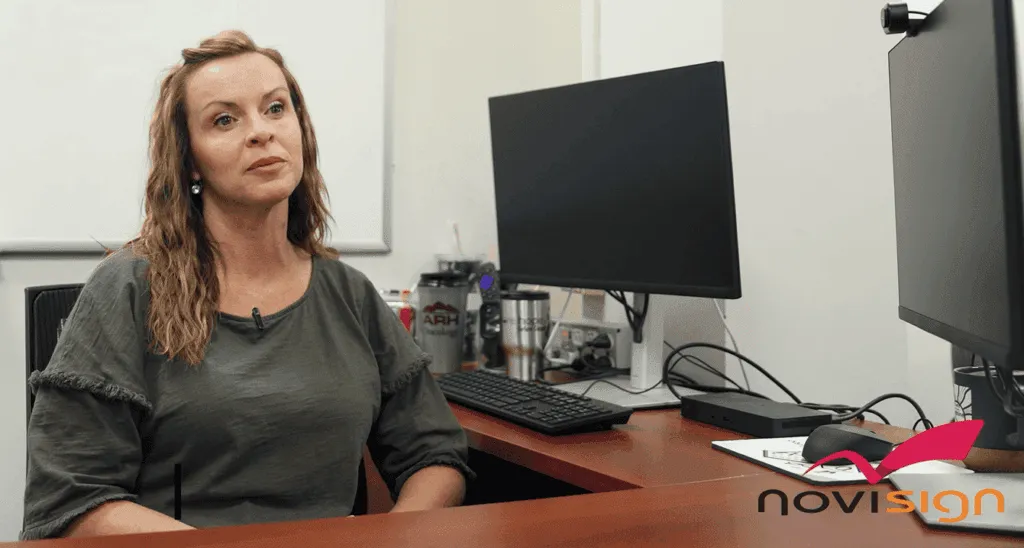
AHR preview 2 1
Appalachian Regional Healthcare

“The biggest improvement we’ve seen using NoviSign is the awareness we’ve created internally within our workforce.”

LeeAnn Mcintyre
Assistant Vice President, Marketing
blake preview 4 1
Blake's Lotaburger

“We were able to give a tutorial style of advertisement by using the NoviSign Board to show how our cold brew is made. We saw a huge uptick in sales. We sold cold brew for almost $1.5 million!”

Tiffany Bornmann
Marketing Manager
MFM preview 3 2 300x231
MFM Health

“I know with NoviSign that the content is playing at all times and it’s easy to update, upload new content on the fly, from wherever I am.”

Diana Giorlando
Director of Marketing

Ready to try it now?

Start Free Trial

No credit card required

Get your free 30-day trial now Start here

FAQ

Do I need a Dropbox account to use this integration?
Yes. You need an active Dropbox account to authorize the connection and access your stored files inside NoviSign.
Will my screens update automatically when I change a file in Dropbox?
Yes. When you replace or update a file in your linked Dropbox folder, NoviSign reflects the latest version on your screens at the next content refresh.
Is my Dropbox connection secure?
Yes. NoviSign uses Dropbox's authorized sign-in process, so your credentials are never stored in plain text and you control which content is accessed.
What file types can I use from Dropbox?
You can use standard image, video and document formats supported by NoviSign, including the most common file types your team works with.
Can multiple team members manage the same Dropbox content?
Yes. Anyone with access to the shared Dropbox folder can update files, and those changes flow through to your NoviSign screens.
NoviSign Digital Signage
Privacy Overview

This website uses cookies so that we can provide you with the best user experience possible. Cookie information is stored in your browser and performs functions such as recognising you when you return to our website and helping our team to understand which sections of the website you find most interesting and useful.