


























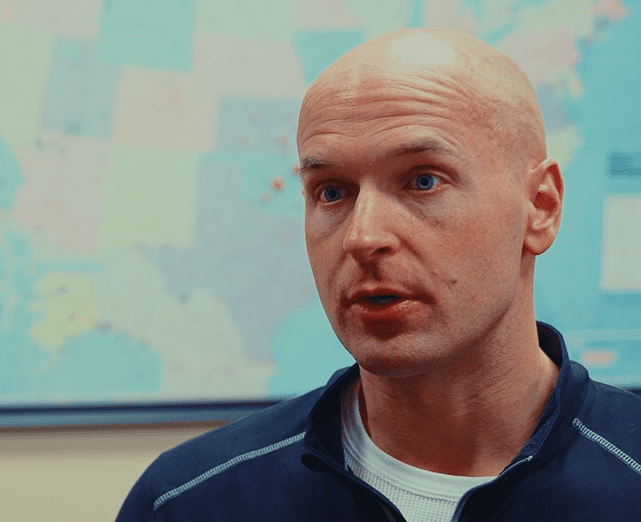
1Fish2Fish Media
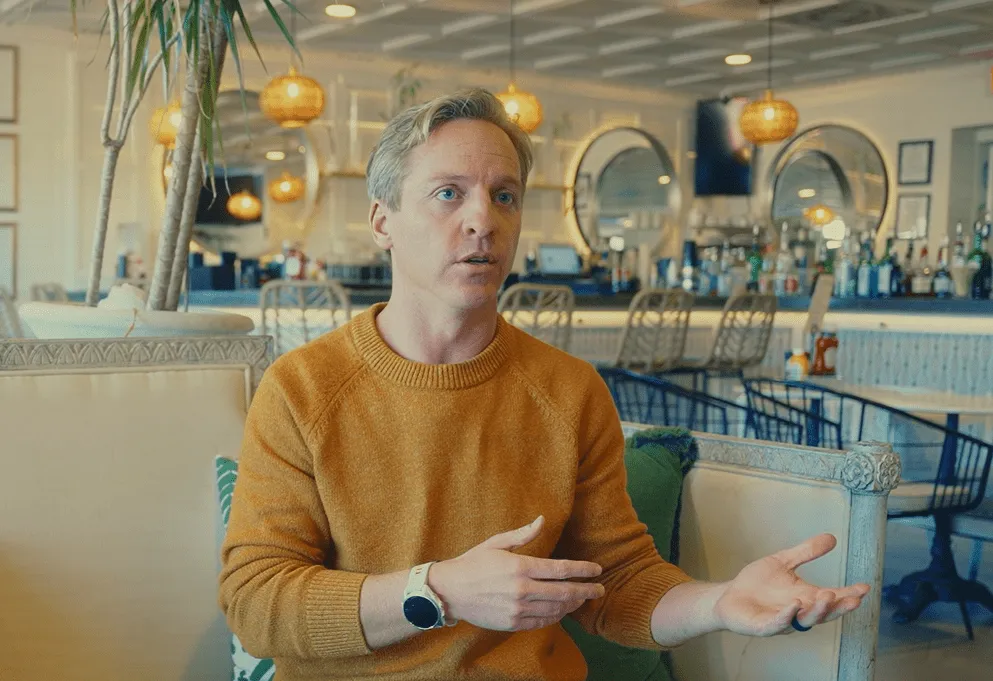
“Working through NoviSign allows us to be better positioned competitively and deliver a more first-class experience.”
Jeff Andersen
Founder
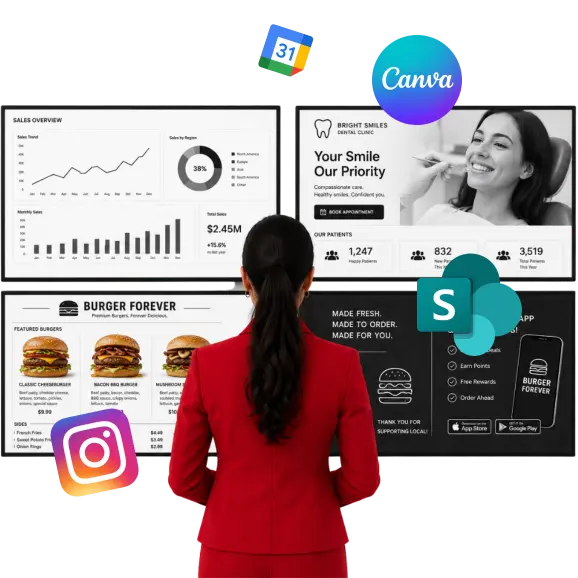
Turn any screen into a dynamic digital experience with the apps you already use.
Simply drag and drop live content, real-time data, and media into your layouts with no coding required.
Create professional graphics in Canva and publish them instantly to digital signage
Display cloud-stored Dropbox files that automatically update across your digital signage screens
Show live meetings, schedules, and events that automatically update on every screen
Display Google Drive files with automatic updates whenever your content changes online
Showcase your latest Instagram posts automatically to keep screens fresh and engaging
Broadcast live events, cameras, and online streams directly to digital signage displays
Design stunning promotional graphics and publish them directly to your digital signage
Display live Power BI dashboards and KPIs to keep teams informed instantly
Display SharePoint documents, lists, and company updates directly on digital signage screens
Present live Tableau dashboards and visualizations on screens for real-time business insights
Display live X posts automatically to keep signage current and engaging daily
Show live weather conditions and forecasts for any location on your screens
Stream YouTube videos and playlists directly on your digital signage displays effortlessly
Display Google Slides presentations with automatic updates whenever your slides are changed online
Create AI-generated images from text prompts and publish them instantly to your screens
Display live Google Sheets data that updates automatically whenever your spreadsheet changes
Display live charts and KPIs that update automatically from your business data sources
Display live data from virtually any system using custom JSON, XML, or CSV feeds
Show live event, banquet, and meeting schedules from Amadeus Delphi automatically
Display live event, banquet, and meeting schedules from Amadeus Delphi automatically
Show curated social media feeds from multiple platforms on your digital signage screens
Stream live news, blog posts, and updates from RSS and MRSS feeds automatically
Connect your screens to Vistar Media to display programmatic ads and generate revenue
Monetize your digital signage with programmatic ads through Adomni
Coordinate programmatic advertising and content across your digital signage network
Enable programmatic digital out-of-home advertising and monetize your screen network
Bring programmatic advertising to your screens and generate additional revenue
Overlay custom content and promotions onto live TV broadcasts on your screens
Access advertising demand and monetize your digital out-of-home screens
Deliver interactive advertising experiences that boost engagement and generate revenue
Gain insights into how users interact with your touchscreen content
Automate content updates and workflows by connecting NoviSign to thousands of apps
Show live web pages, dashboards, and custom HTML on your digital signage screens
Play online videos directly from their URL without downloading or uploading files
Show online images that update automatically from a direct URL
Show images with flexible sizing, positioning, and styling for professional digital signage
Create eye-catching image slideshows with smooth transitions for your digital signage
Upload and play videos with smooth, reliable playback on your digital signage screens
Automatically pull content from your FTP server for bulk and automated screen updates
Add eye-catching animated GIFs to make your digital signage more engaging
Keep viewers informed with scrolling news, announcements, and live updates
Add fully styled text and labels anywhere in your digital signage layouts
Create polished layouts with customizable shapes, backgrounds, and design elements
Add a customizable digital or analog clock with live time and date
Create interactive, tap-to-explore content for kiosks and touch displays
Count down to events, launches, sales, and deadlines with live timers





No credit card required
Most integrations can be added directly from NoviSign Studio. Setup requirements vary by integration, but many can be connected in just a few steps.
Yes. You can combine content from apps like Google Calendar, Canva, Power BI, SharePoint, YouTube, social media platforms, and more within a single layout.
Yes. Many integrations support automatic updates, allowing your screens to display the latest content without manual uploads or republishing.
NoviSign supports additional integrations through APIs, web content, JSON feeds, RSS feeds, and custom development, making it possible to connect many other platforms and data sources.
Yes. Once connected, content from your apps can be displayed on a single screen, a group of screens, or an entire network across multiple locations.