



Sign up for a free evaluation account
Text Download ➞
✕
Title Subtitle Download ➞
✕

School Digital Signage:
Elevate Campus Engagement
and Communication

Run every screen in your school from one place – announcements, lunch menus, schedules, and emergency alerts, updated in minutes from any computer. Works on the TVs you already own, no design or IT skills needed.

For over 15 Years (Since 2011)
schools campus digital signage

NoviSign ratings

Trusted by the following educational institutes

  • institution-florida
  • institution-columbia
  • institution-arizona
  • institution-green-emblem
  • institution-shield
video testimonial preview
University of Florida

“Our previous CMS was Xibo as well as 15 other flavors across campus and we moved away from that because it was just too complicated. That’s what NoviSign was great at. They’re just very simple and a great intuitive UI”

Chad Holder
IT Manager

What Can NoviSign Display?

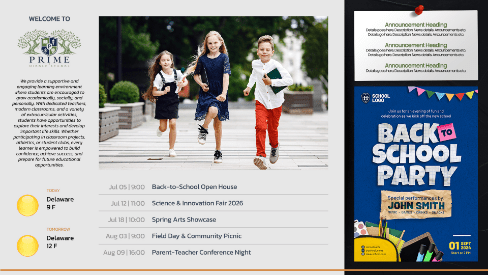
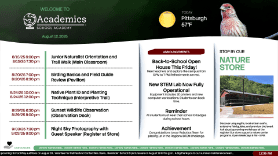
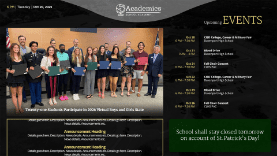
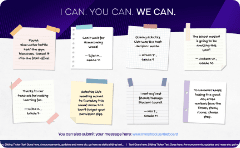
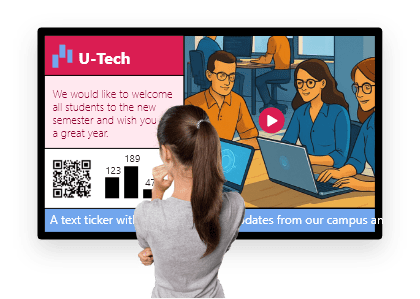
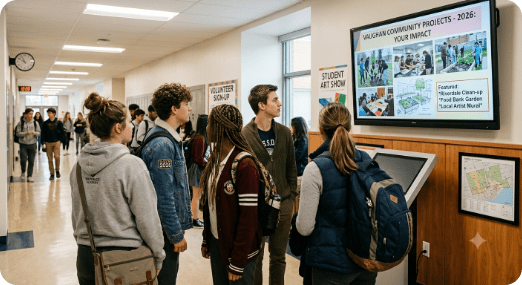
NoviSign’s digital signage for schools lets K-12 administrators easily create and share notifications, images, slideshows, and tickers on any screen across the building. Use customizable school digital signage templates to keep your school community informed and engaged – from cafeteria menu boards to hallway displays, all managed from one place.

  • schools news weather

    News & Weather

  • schools school news

    School News

  • schools content scheduling

    Content Scheduling

  • schools school lunch

    School Lunch Cafeteria Signs

  • schools school events

    School Events

  • schools announcements

    Greetings and Announcements

How schools use digital signage

schools use case morning announcements

Morning announcements

Display daily announcements, event reminders and emergency notifications on hallways and classroom walls

schools use case cafeteria menu

Cafeteria menu board

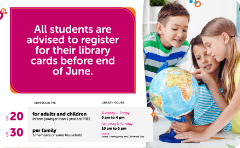
Show daily menus, nutritional information, pricing and promotions

schools use case digital bulletin

Digital Bulletin board

Replace printed notice boards with dynamic digital displays for events, clubs, schedules and news

schools use case school lobby

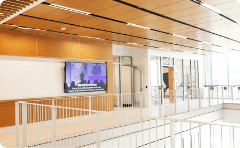
Entrance and lobby areas

Welcome visitors, share campus news, directions, achievements and upcoming events

schools use case teacher student

Teacher - student communication

Keep students informed with classroom updates, schedules, assignments and important reminders

NEW!

Emergency Alerts

Instant emergency alerts that keep your school informed and safe

  • schools emergency lockdowns

    Lockdowns

  • schools emergency weather closures

    Weather Closures

  • schools emergency instant override

    Instant Override

Book a demo

Discover how easy it is to manage announcements, lunch menus, schedules, and emergency alerts across every screen – all from one place.

How it works

No complicated setup or locked-in hardware. You’re ready to launch today.

  1. Sign up for free NoviSign account

    schools step sign up
  2. Create your content

    schools step create content
  3. Send to any screen

    schools step send to screen

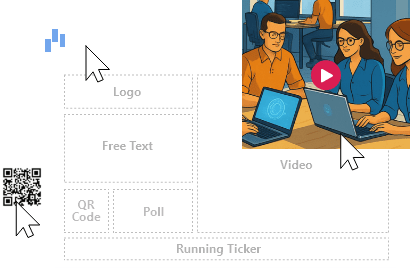
Remote management & widgetsRemote Management widget

Media Content

  • Images
  • Videos
  • Slideshows
  • YouTube
  • Shapes
  • Text
  • Label

Live Data & Widgets

  • News RSS
  • Weather
  • Clock
  • URL
  • Ticker

Engagement & Social

  • Polls
  • Facebook
  • X
  • Instagram

What screens does it run on?

works on TVs you already own

Integrations for Education

Connect the tools your school already uses to create, manage, and share content with ease

  • schools integration google slides

    Google Slides

    Teachers create, NoviSign displays

  • schools integration google classroom

    Google Classroom

    Show assignments and announcements

  • schools integration canva

    Canva

    Design templates, display on screens

  • schools integration microsoft sharepoint

    Microsoft Sharepoint

    Connect to school/ university intranets

Case Studies

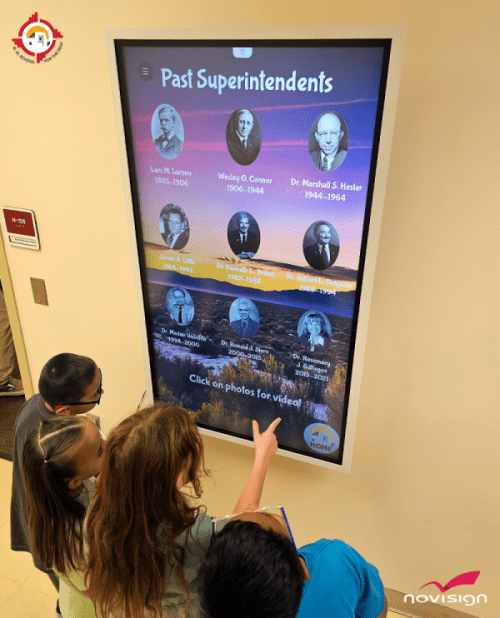
Touch screen school digital signage

New Mexico School for the Deaf Enhances Campus Communication with NoviSign Digital Signage

The New Mexico School for the Deaf (NMSD), a pioneering K12 institution dedicated to providing exceptional education and resources for deaf and hard-of-hearing students, sought after an innovative interactive touch screen school display digital signage solution to streamline communication across its campus.

Case study
School digital signage

Brookwood School Upgrades Entire Campus Communications Network with Multi-Purposed Digital Signage

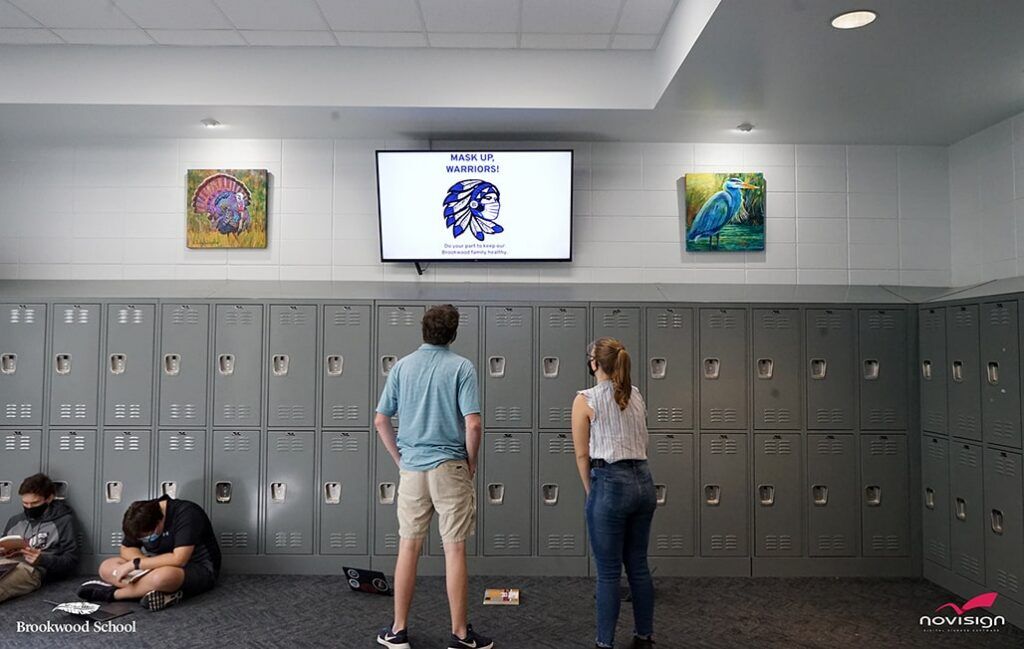
Brookwood School modernized their bulletin boards and printed paper signage to rich and dynamic digital displays for schools across 14 screens throughout the school; cafeteria displays; concession stand menu boards; student-facing notification displays; and a state-of-the-art touch screen Athletic Hall of Fame display.

Case study

NoviSign is a cloud-based school digital signage platform used by K-12 schools and districts across the US. It works with ChromeOS, Android, Windows, and Samsung Tizen – the most common hardware in school IT environments. Schools can manage every screen in their building from a single browser dashboard, no technical expertise required.

NoviSign offers special educational pricing for schools and districts. Schools can start with a free trial and scale to a full district rollout. Contact us at info@novisign.com to ask about volume discounts and educational institution pricing.

Yes. NoviSign’s school digital signage software works with your existing TVs using a low-cost media player (such as an Amazon Signage Stick, Android device, or Chrome device). You do not need to replace your current screens.

Yes. NoviSign integrates directly with Google Slides, allowing schools already using Google Workspace for Education to sync their existing presentations to any digital sign on campus automatically.

NoviSign supports emergency override scheduling, allowing administrators to instantly push a full-screen emergency message to all screens in a building or district with a single click – overriding any currently playing content.

Yes. NoviSign supports multi-user access with role-based permissions. A school principal can manage district-wide announcements while individual teachers or department heads control their own classroom or hallway screen – all from the same account.

Yes. You choose every feed source, preview content before it goes live, and can remove any feed from any screen instantly from the dashboard. Nothing appears on your school’s screens that staff haven’t approved – live widgets stay current without giving up editorial control.

Yes. NoviSign screens can display instant emergency notifications such as lockdowns, severe weather, and evacuation instructions, overriding regular content. If your district uses a panic-alert platform to meet Alyssa’s Law requirements, connected screens become an additional visual alert layer alongside sirens and phones – important for hard-of-hearing students and noisy spaces.

NoviSign Digital Signage
Privacy Overview

This website uses cookies so that we can provide you with the best user experience possible. Cookie information is stored in your browser and performs functions such as recognising you when you return to our website and helping our team to understand which sections of the website you find most interesting and useful.