Digital signage software is used almost everywhere today. Wherever you go around the world—airports, streets, offices, stores, hospitals, schools, hotels, and stadiums—you see screens powered by digital signage software. In practice, almost every industry can benefit from it, but some sectors lead adoption more than others.
Restaurants and QSR are among the fastest-growing users. Digital menu boards have become the standard, replacing printed menus with dynamic pricing, promotions, and real-time updates.
The hospitality industry follows closely, with hotels using digital signage for guest information, wayfinding, events, promotions, and internal communication.
Corporate organizations increasingly use screens for internal communication—showing KPIs, company updates, HR messages, and safety information.
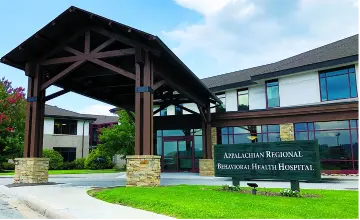
Healthcare relies heavily on digital signage for queue management, patient guidance, waiting room content, and health communication.
Manufacturing uses screens for production status, safety instructions, and operational dashboards.
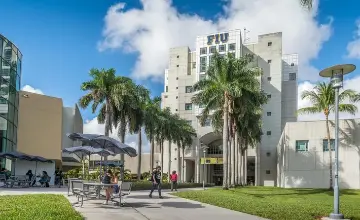
In education, traditional physical notice boards have largely been replaced by digital screens in schools, universities, and campuses for announcements, schedules, and emergency alerts.
Beyond that, digital signage plays a major role in:
- Retail
- Government & public institutions
- Sports arenas & entertainment venues
- Advertising networks & DOOH (Digital Out-of-Home)
The reality today is simple:
If there is a screen, digital signage software can add value to it—no matter the industry.